
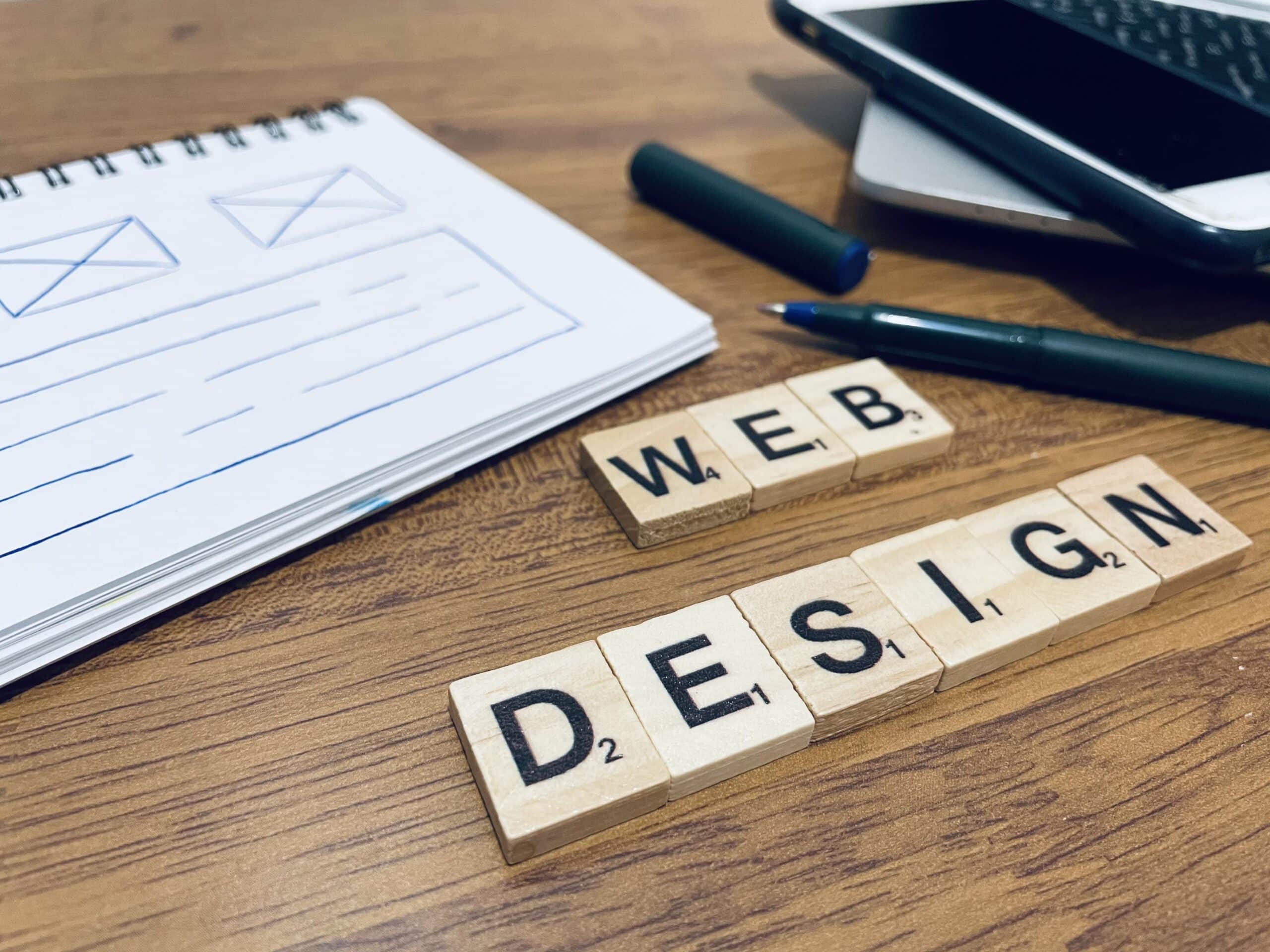
User Interface (UI) and User Experience (UX) are two essential parts of building a successful digital product. UI focuses on how a website or application looks, while UX focuses on how it works and how users feel when they interact with it. Many people think they are the same, but they serve very different roles.
When UI and UX are designed with intention, your digital product becomes easier to understand, more enjoyable to navigate, and more effective at converting visitors into customers. At Texas Web Design, we help businesses combine strong UI and UX strategies to create digital experiences that support long-term growth.
Contact us today to learn how we can improve your website.
Table of Contents
- What User Interface (UI) Means
- What User Experience (UX) Means
- Key Differences Between UI and UX
- Why UI and UX Work Better Together
- How Strong UI and UX Improve Your Business
- Need Help Improving Your Website
Key Takeaways
- UI focuses on how a digital product looks, while UX focuses on how it works and how users feel while using it.
- Strong UI improves clarity, visual consistency, and user confidence.
- Strong UX improves usability, flow, task completion, and overall satisfaction.
- UI and UX serve different roles but produce the best results when combined.
- Investing in UI and UX leads to better engagement, higher conversions, and a more enjoyable website experience.
- Texas Web Design helps businesses combine UI and UX to create websites that support long-term growth.
What User Interface (UI) Means
 User interface refers to the visual and interactive layer of a digital product. It includes buttons, icons, menus, input fields, color choices, and the layout of the pages. A strong UI helps users recognize where to click, what to focus on, and how to move through a website without hesitation.
A clean and organized UI reduces friction and builds user confidence. For example, an online checkout form with simple labels and clear spacing allows users to complete tasks faster and with less confusion.
What User Experience (UX) Means
User experience focuses on the full path a user takes across your website or application. It begins with understanding user intent, identifying common challenges, and shaping the experience to make every step feel simple and intuitive.
UX involves research, journey mapping, wireframes, testing, and refinement. A strong UX design helps users locate information quickly, understand what to do next, and accomplish their goals with minimal effort.
Key Differences Between UI and UX
UI and UX differ in purpose, process, and output. Each discipline plays a separate role in shaping a digital product, and understanding these differences helps clarify how they work together.
Purpose
- UI: Responsible for the appearance of a product. It focuses on how the interface looks, how elements are arranged, and how users visually interact with each part of the layout. This includes color systems, typography, spacing, icons, and the overall visual structure.
- UX: Focuses on behavior and logic. Its purpose is to make the product feel easy, efficient, and intuitive to use. UX identifies user needs, removes friction, and shapes the flow from one step to the next.
Process
- UI: Follows a visual design process. It involves creating mockups, choosing color palettes, defining type scales, designing buttons and menus, and assembling the final layout that users see. UI designers often deliver polished prototypes that reflect what the finished interface will look like.
- UX: Follows a research-driven process. It includes gathering user insights, mapping user journeys, building wireframes, testing usability, and making revisions based on feedback. UX designers focus on how each interaction functions and how each step fits into the larger user experience.
Output
- UI: Produces high-quality visual assets such as mockups, prototypes, interface components, and style guides. These assets define the visual identity of the product and ensure design consistency.
- UX: Produces user flows, wireframes, personas, testing results, and journey maps. These documents explain how users move through the product and highlight areas where improvements are needed.
Success Metrics
- UI: Measured through clarity, visual consistency, accessibility, and ease of interaction. A strong UI helps users understand information quickly and complete actions with confidence.
- UX: Measured through smooth navigation, fewer errors, faster task completion, and overall user satisfaction. A strong UX ensures that users can achieve their goals without confusion or frustration.
Why UI and UX Work Better Together
 UI and UX support one another. A product with strong UX but weak UI may be functional but lack visual clarity. A product with strong UI but weak UX may look appealing but feel difficult to use. When both are aligned, users can move through the website with confidence and understand exactly what to do.
Strong collaboration between UI and UX creates an experience that feels both polished and practical. It reduces frustration, increases trust, and supports your business goals more effectively.
How Strong UI and UX Improve Your Business
A website with well-designed UI and UX delivers better results. It helps users navigate quickly, learn about your services, and take meaningful action. It also reduces confusion and encourages users to spend more time exploring your content.
Companies that invest in UI and UX see improvements in engagement, conversions, and customer satisfaction. A clear and intuitive website helps build trust, supports accessibility, and creates a consistent experience for every visitor.
Need Help Improving Your Website
UI and UX shape how customers experience your business online. When both are designed thoughtfully, your website becomes more usable, more enjoyable to explore, and more effective at supporting your goals.
At Texas Web Design, we create web design in San Antonio that blend clear UI design with practical UX strategy. Call us today to improve your site and give your users an experience they can trust.
